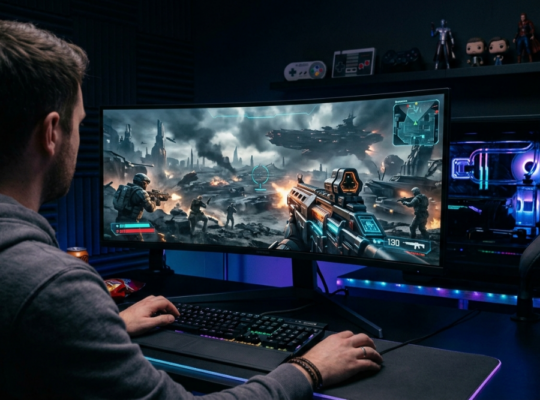
Upgrading your gaming monitor can be one of the easiest ways to make an existing gaming setup feel new again. You don’t necessarily need a more powerful PC or the latest console. Sometimes, moving from 60Hz to a high-refresh display or from 1080p to 1440p can make a bigger difference than expected. But with hundreds of gaming monitors available, what should you actually buy?
Here are some genuine options worth looking at on Amazon US, depending on how you play.
- ASUS ROG Swift PG279QM: For High-Refresh 1440p Gaming
If you want a monitor that balances resolution and speed, the ASUS ROG Swift PG279QM is an interesting option.
- It has a 27-inch QHD 1440p display and a 240Hz refresh rate, making it particularly suited to fast-paced PC games.
- Amazon’s listing also shows NVIDIA G-SYNC support and multiple connectivity options.
- For competitive shooters such as Valorant, Counter-Strike 2, or Overwatch 2, a high refresh rate can make motion look noticeably smoother.
- Alienware AW2725DM: A Practical 1440p Upgrade
The Alienware AW2725DM is another 27-inch QHD option listed on Amazon US.
- It offers a 180Hz refresh rate and 1ms response time, along with NVIDIA G-SYNC and AMD FreeSync support.
- This makes it a sensible choice for someone moving up from a basic 1080p or 60Hz monitor without necessarily stepping into the more expensive OLED category.
- If your monitor doubles as a work screen, 27-inch 1440p is a comfortable middle ground for everyday use.

- AOC Q27G3XMN: For 1440p With Mini-LED
The AOC Q27G3XMN takes a slightly different approach.
- It combines a 27-inch 2560×1440 display with a 180Hz refresh rate and Mini-LED technology.
- Amazon’s listing also notes Adaptive Sync compatibility and support for modern consoles including Xbox, PS5, and Switch.
- That makes it worth considering if you want a monitor that can work across both PC and console gaming.
- LG UltraGear: For Fast 1440p Gaming
LG’s UltraGear range is another place to look if you’re specifically interested in a fast 1440p display.
- Amazon’s current comparison listings include a 27-inch UltraGear QHD model with a 240Hz refresh rate, 1ms response time, HDMI 2.1, G-SYNC, and AMD FreeSync Premium.
- The HDMI 2.1 connection is particularly useful if you want one display for both a gaming PC and newer consoles.
What Should You Look For?
Before buying a gaming monitor, think about resolution, refresh rate, panel type, and connectivity rather than simply choosing the monitor with the biggest numbers. For most PC gamers, 1440p and 144Hz–180Hz is a strong combination. Competitive players may want 240Hz or more, while players focused on cinematic games may care more about HDR, contrast, and OLED or Mini-LED technology.
And don’t forget the rest of the setup. A good monitor paired with comfortable peripherals, perhaps a Razer keyboard or mouse, can make the entire desk feel more cohesive.
So, Which Gaming Monitor Should You Buy?
There isn’t one monitor that makes sense for everyone.
- ASUS is worth exploring for high-refresh 1440p gaming
- Alienware offers a straightforward 180Hz QHD option
- AOC brings Mini-LED into the conversation
- LG UltraGear has fast QHD displays with modern connectivity.
The right upgrade ultimately depends on your PC or console, the games you play, and how much you actually notice the difference between 144Hz, 180Hz, and 240Hz. And before buying, always check the current Amazon US price, seller, warranty, and availability, since those can change over time.