Cloud gaming on mobile sounds almost like magic: you open an app, pick a game, and start playing without downloading a massive game file. But there’s no magic involved. Instead, cloud gaming moves most of the hard work from your phone to powerful computers in a data centre. One service bringing this idea to mobile gamers is Amazon Luna. But how does cloud gaming actually work, and what do you need to make it enjoyable?
What Is Cloud Gaming?
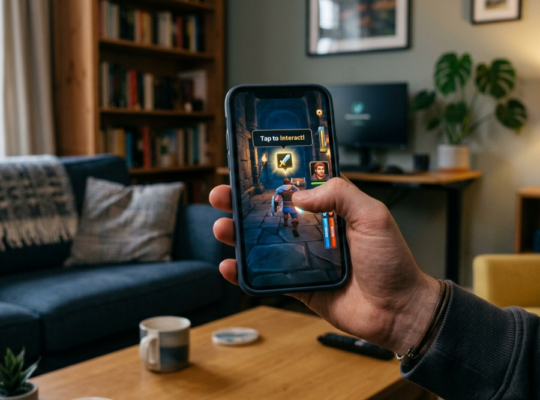
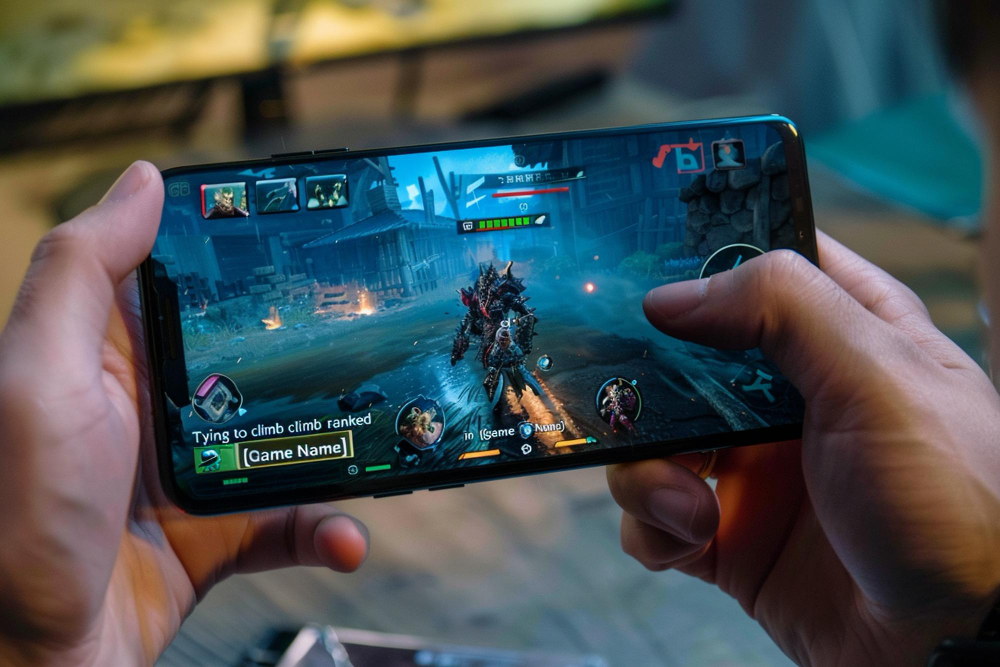
Cloud gaming is essentially gaming through the internet instead of running the game entirely on your device. With traditional mobile gaming, your phone downloads the game and uses its processor and graphics hardware to render everything. With cloud gaming, the game runs remotely on a cloud server. Your phone receives a live video stream of the gameplay, while your controls are sent back to the server. Think of it like streaming a movie, except you’re controlling what happens on screen.
This means you don’t necessarily need a high-end gaming phone to play graphically demanding titles, but your internet connection becomes just as important as your phone’s hardware.
How Does Cloud Gaming on Mobile Work?
The process is surprisingly straightforward:
- You choose a game through a cloud gaming service such as Amazon Luna.
- The game runs on a remote server, rather than entirely on your phone.
- The server processes your inputs, such as taps, swipes, or controller movements.
- The gameplay is streamed back to your phone as video.
- This happens continuously, creating the experience of playing a game locally.
The catch? All of this happens in real time, so your internet connection needs to keep up.

Do You Need a Fast Internet Connection?
Yes, and this is one of the biggest factors affecting cloud gaming. A strong, stable Wi-Fi connection is generally preferable, particularly for games where timing matters. A weak or inconsistent connection can result in blurry visuals, pauses, or noticeable input delay. Mobile data can work too, but performance depends heavily on your network coverage, data limits, and connection stability. For the best experience, play somewhere with a reliable connection and minimise other activities that are consuming bandwidth.
Can You Use a Controller With Mobile Cloud Gaming?
Absolutely! While some cloud games can be played using touchscreen controls, a physical controller can make a huge difference, particularly for racing, action and adventure games. If you’re using Amazon Luna, the Luna Controller is designed specifically for the service and can connect directly to Luna for responsive gameplay. A compatible Bluetooth controller can also be useful depending on the game and device you’re using. For casual gaming, your phone may be enough. For longer sessions, a controller can make your setup feel much closer to a traditional console.
Is Amazon Luna Worth Trying on Mobile?
Amazon Luna is particularly interesting if you like the idea of accessing games without filling your phone’s storage with large downloads. Its cloud-based approach means the processing happens remotely, allowing compatible devices to stream games rather than running everything locally. The exact games and features available can vary by subscription, region, and device, so it’s worth checking Amazon Luna’s current game catalogue before signing up.
The Future of Mobile Gaming?
Cloud gaming won’t completely replace downloaded games anytime soon. Local gaming still has major advantages, especially when you’re offline or have limited connectivity. But cloud gaming offers something compelling: less dependence on your phone’s hardware and more flexibility in how you play.